










Instant Approval Payment Gateway
- ⚡Instant approval payment gateway accept bank cards like Visa or Mastercard no matter what you are selling (all high risk business models are accepted).
- 💳You can accept Credit/debit card (including MasterCard, Visa, and Maestro) – Apple Pay – Google Pay - PayPal - Revolut – SEPA or local bank transfer.
- 👤No sign up (instant access). Merchants using the payment system remain anonymous with ZERO KYB. You don't need to provide any information or documents.
- 💲 Instant payouts in USDC (Polygon) with every order directly to your own crypto wallet. We never handle/hold your money, you will get instant payouts with every transaction.
- 💼 ZERO chargebacks and ZERO liability. All payments are final irreversible and merchants are not liable for any customer disputes.
Download Plugin (Start Now!)
💡 Click the platform logo to get the plugin files








📘 New to this? Follow our step-by-step card guides with screenshots:
⚠️ Our payment gateway is ready to be used instantly without any sign up or verification. To start accepting credit cards on your site you just need your USDC (Polygon) wallet address. Review the minimum order amount.
In case your website is built through a custom code or another system you can 📡 integrate our payment gateway using our API.
If you are a freelancer or you don't have a website you can generate payment links.
🪙 Want crypto too? Our crypto payment gateway is the only one with instant payouts for Solana, Monero, Zcash and Bitcoin.
Features
- High risk merchant account and payment gateway for high risk businesses instant approval.
- Instantly start accepting Credit/debit card (including MasterCard, Visa, and Maestro) – Apple Pay – Google Pay – SEPA or ACH local bank transfer.
- ZERO chargebacks and zero liability.
- Instant approval ready to install and accept payments in a few seconds through multiple card providers (see the live provider list with minimum amounts).
- Instant payouts to your USDC Polygon (MATIC) wallet with every payment you receive.
- Can be used with unlimited websites.
- Processing fees varies per provider and order amount.
- You can control who will handle the payment fees the customer or you the merchant.
- Minimum order amount varies per provider (see the live list of minimum amounts).
- Provider handles processing your payment and your customer may be asked to perform instant ID verification (KYC) during checkout at the first time using this method.
- Your customer cards must be 3D Secure (Verified by VISA and MasterCard SecureCode).
- You can accept payments worldwide except for some countries check each provider website for the full list.
How it works?
- Install the plugin/module on your high risk business WooCommerce, WHMCS, OpenCart, PrestaShop or Magento website.
- Insert your own USDC Polygon (MATIC) in your WordPress wp-admin dashboard or your WHMCS, OpenCart, PrestaShop or Magento admin dashboard.
- Save your settings and you are ready to instantly accept Credit/debit card (including MasterCard, Visa, and Maestro) – Apple Pay – Google Pay – SEPA or local bank transfer.
- When your customer place an order they will be redirected to pay through payment fiat onramp provider to make the payment using their credit card.
- A temporary wallet address is assigned to each order for enhanced privacy and precise payment detection.
- Infrastructure provider will handle your customer's instant ⚡ verification and any chargebacks. All payments are final and you will not receive any chargebacks.

- Verification of customer is instant ⚡ and it takes only 2 minutes!
- After your customer complete the payment though provider, order will be marked as paid automatically on your site and you get USDC instantly to your specified wallet address.
- For lost payments you can contact support or you can 📌 track payouts.
Minimum Order Amount
💡Minimum order amount varies per provider:
WooCommerce Installation Guide
📘 Read the full step-by-step WooCommerce card guide with screenshots
💡 Click the platform logo to get the plugin files
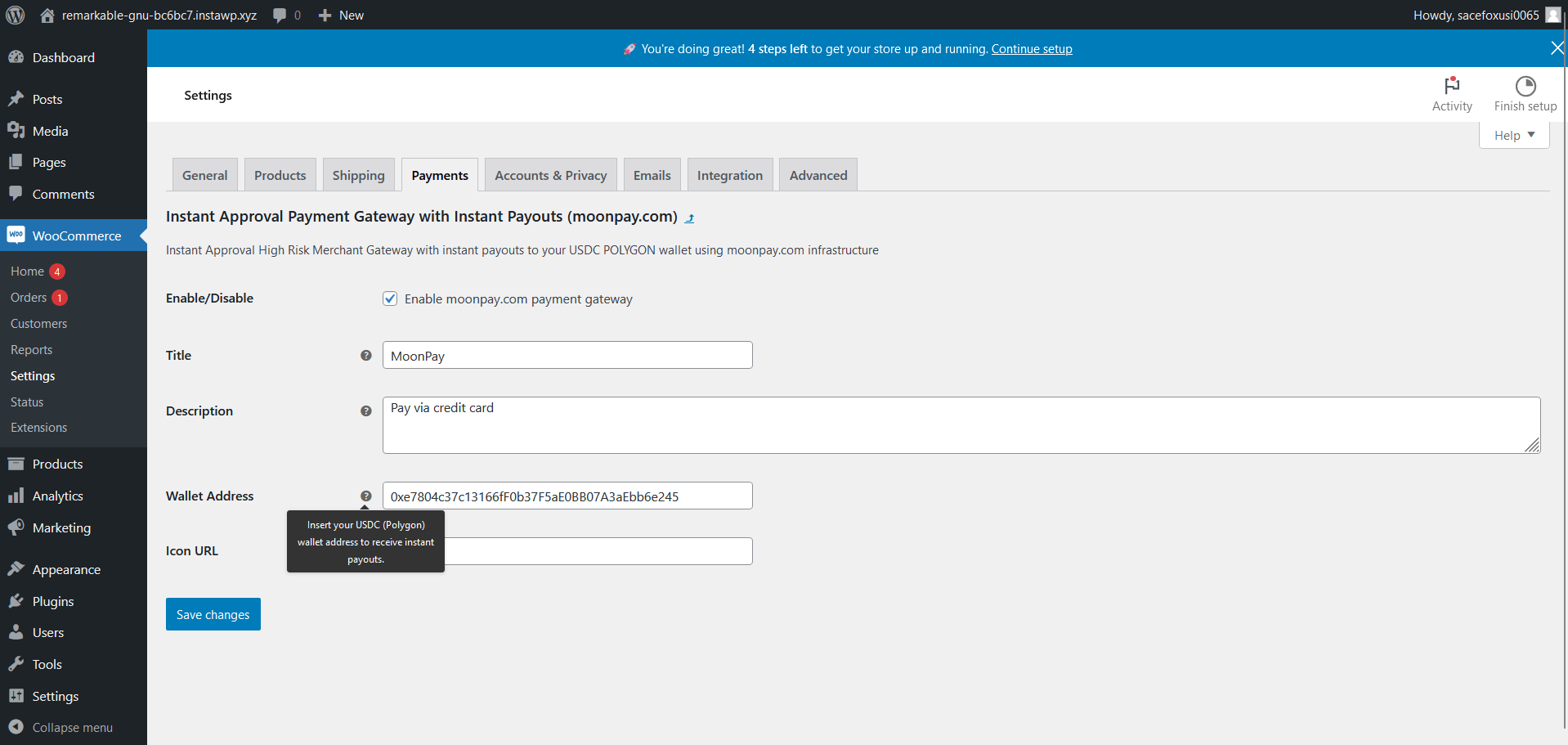
- Download the plugin (WooCommerce >> Plugins >> Add new)
- Go to WooCommerce >> Settings >> Payments tab
- Activate the payment gateway provider and make sure you insert your valid USDC (Polygon) wallet to receive instant payouts.
- You can customize the payment gateway logo by inserting a desired logo image link.
- If you can't see the enabled payment gateway follow this guide to fix blocks.
- After following these steps customers will be able to use their credit cards to pay for orders on your website.
- If you are having an issue with our plugin you can learn more about fixing common payment gateway issues.
Easy Digital Downloads Installation Guide
📘 Read the full step-by-step Easy Digital Downloads card guide with screenshots
💡 Click the platform logo to get the plugin files
Works with Easy Digital Downloads 3.7 or newer.
- Download the plugin
- From your WordPress admin menu Plugins >> Add New Plugin click Upload Plugin, upload the zip file as it is and activate the plugin.
- Go to Downloads >> Settings >> Payments and switch on PayGate.to Card Payments under Active Gateways.
- Open the PayGate.to Card tab, insert your valid USDC (Polygon) wallet to receive instant payouts and click Save Changes.
- After following these steps customers will be able to use their credit cards to buy your downloads.
- Full settings and transaction statuses are explained in the plugin guide. If you are having an issue with our payment gateway plugin you can contact support.
WHMCS Installation Guide
📘 Read the full step-by-step WHMCS card guide with screenshots
💡 Click the platform logo to get the module files
- Download the module
- Upload the files via FTP to the path /modules/gateways
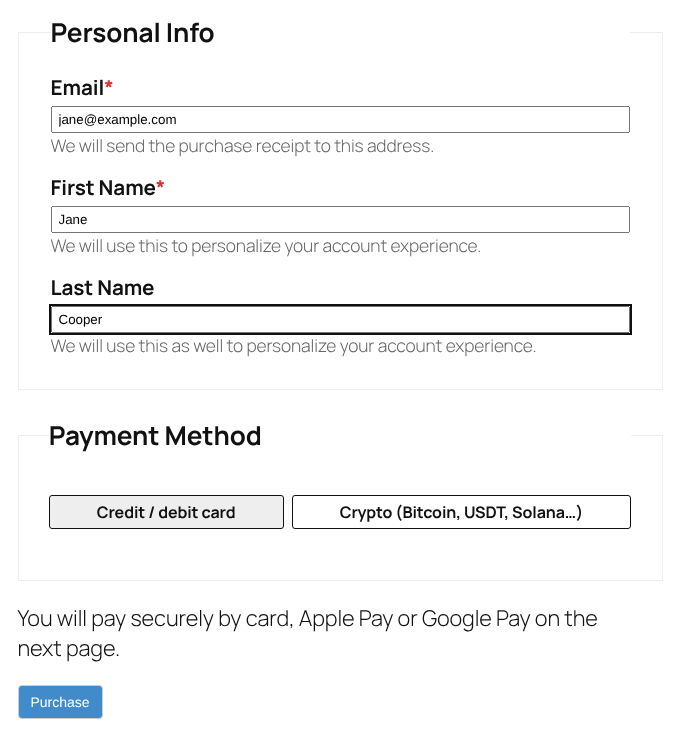
- Activate the payment gateway provider from the admin settings and make sure you insert your valid USDC (Polygon) wallet to receive instant payouts.
- After following these steps customers will be able to use their credit cards to pay invoices on your website.
- If you are having an issue with our payment gateway module you can learn more about fixing common WHMCS payment gateway issues.
FOSSBilling Installation Guide
📘 Read the full step-by-step FOSSBilling card guide with screenshots
💡 Click the platform logo to get the module files
Works with FOSSBilling 0.7.2 or newer.
- Download the module
- Upload the PayGateCard folder via FTP to the path /library/Payment/Adapter
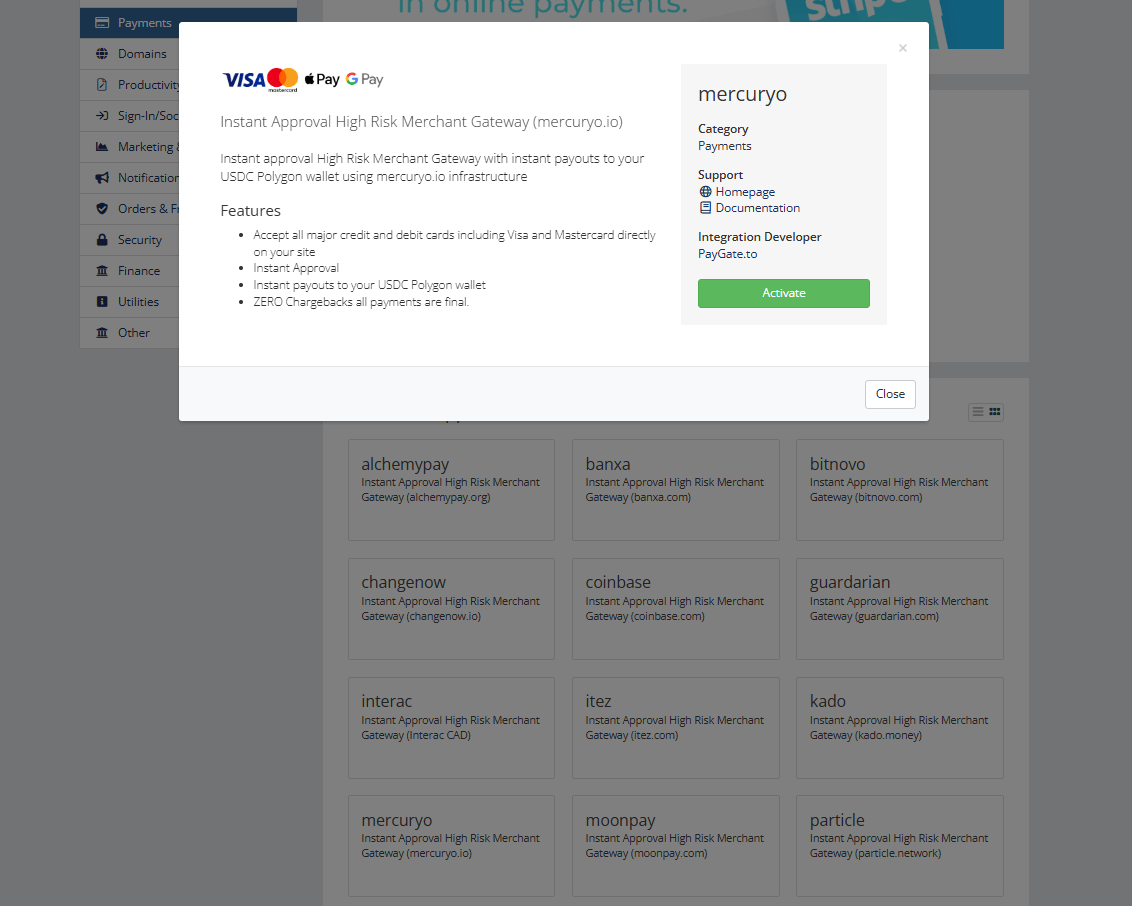
- From your FOSSBilling admin menu System >> Payment gateways click New payment gateway and install PayGateCard.
- Set the title your clients see, insert your valid USDC (Polygon) wallet to receive instant payouts, switch on Enabled and Allow One Time Payments, then click Update Gateway.
- After following these steps clients will be able to use their credit cards to pay invoices on your website.
- Full settings and transaction statuses are explained in the module guide. If you are having an issue with our payment gateway module you can contact support.
Paymenter Installation Guide
📘 Read the full step-by-step Paymenter card guide with screenshots
💡 Click the platform logo to get the extension files
Works with Paymenter 1.4 or newer.
- Download the extension
- From your Paymenter admin menu Extensions >> Available Extensions open Ready to Install / Upload, click Upload Extension and upload the zip file as it is.
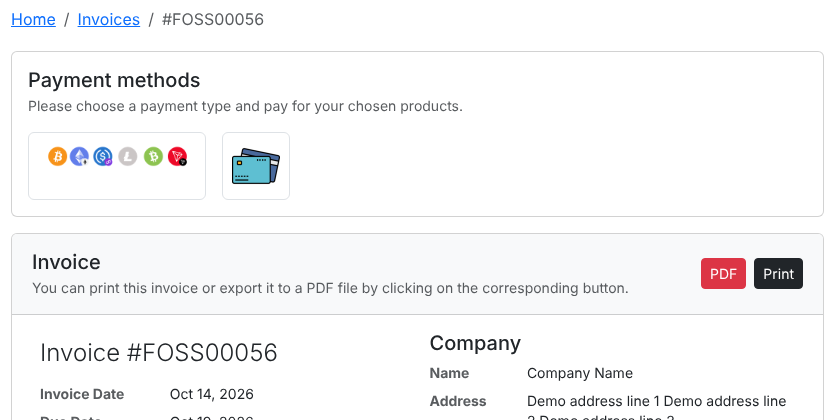
- Go to Gateways, click New gateway and choose PayGateCard as the Gateway.
- Set the name your clients see, insert your valid USDC (Polygon) wallet to receive instant payouts, then click Create.
- After following these steps clients will be able to use their credit cards to pay invoices on your website.
- Full settings and transaction statuses are explained in the extension guide. If you are having an issue with our payment gateway extension you can contact support.
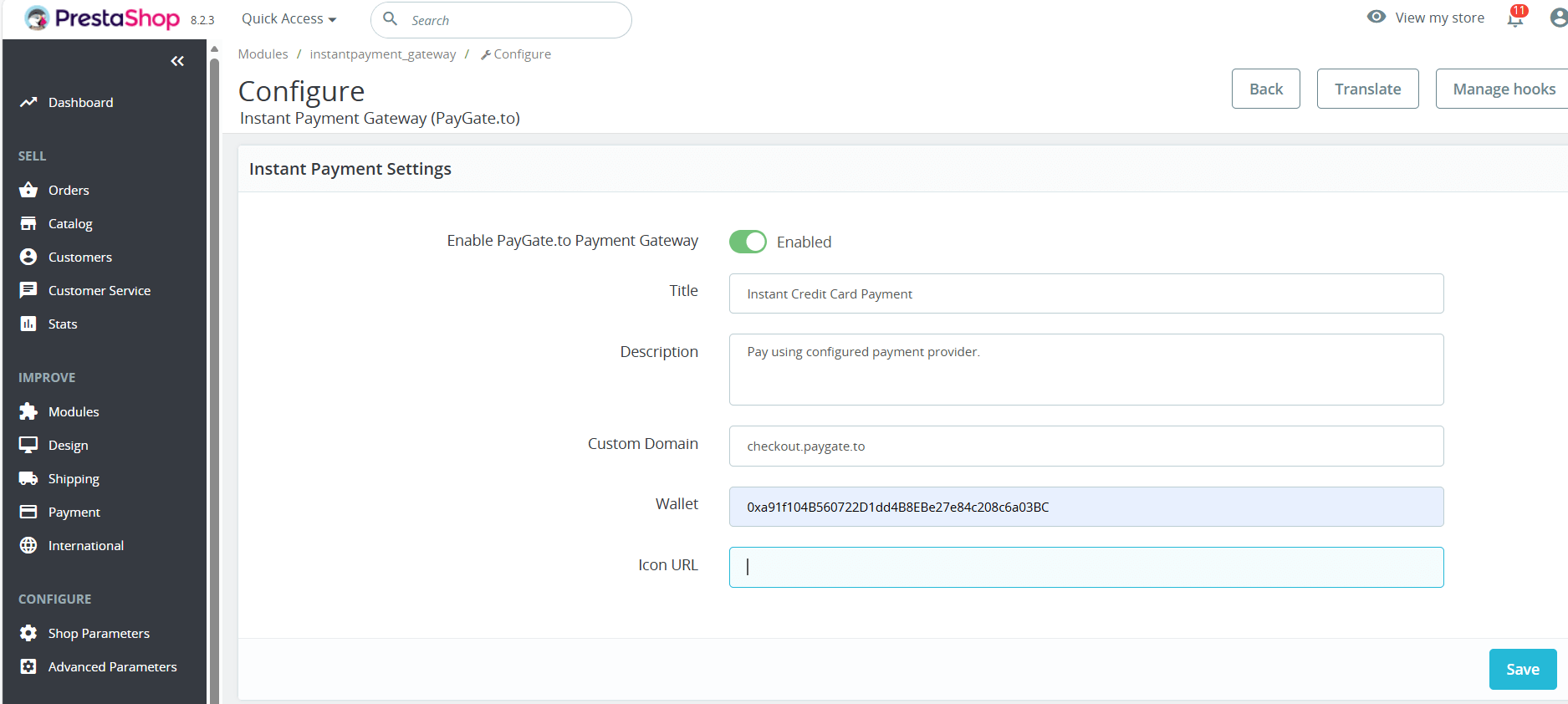
PrestaShop Installation Guide
📘 Read the full step-by-step PrestaShop card guide with screenshots
💡 Click the platform logo to get the module files
- Download the module
- From your PrestaShop admin upload and activate the moudle zip file through the admin menu Modules >> Module Manager.
- Activate the payment module from the admin settings and make sure you insert your valid USDC (Polygon) wallet to receive instant payouts.
- After following these steps customers will be able to use their credit cards to pay on your website.
- If you are having an issue with our payment gateway module you can contact support.
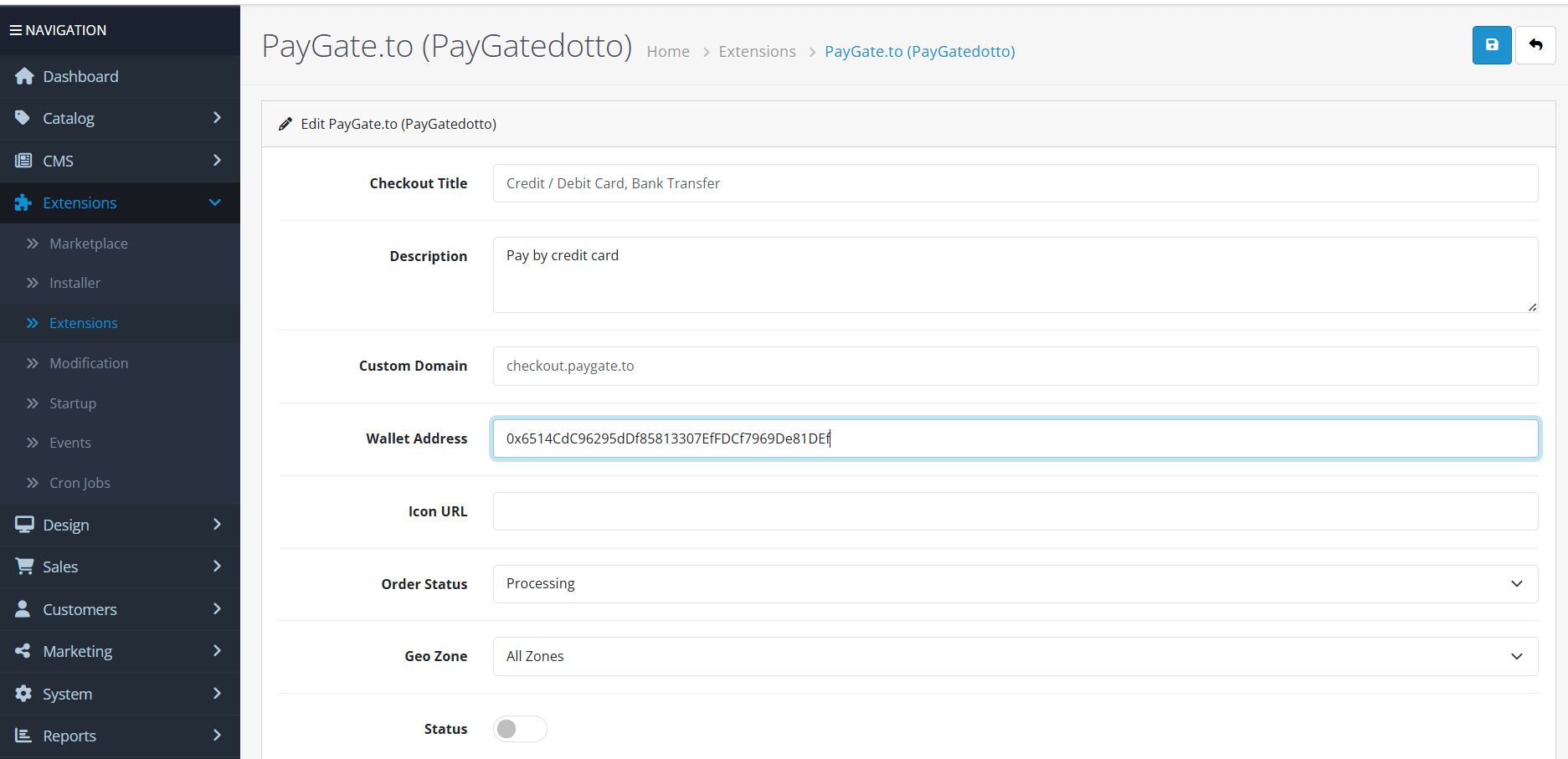
OpenCart Installation Guide
📘 Read the full step-by-step OpenCart card guide with screenshots
💡 Click the platform logo to get the extension files
- Download the extension
- From your OpenCart admin menu Extensions >> Installer.
- Upload the extension file then make sure it is fully installed on your system.
- Activate the payment extension from the main extensions settings menu. You will find it under the payments drop-down.
- Click the pencil edit button to open the plugin settings page and make sure you insert your valid USDC (Polygon) wallet to receive instant payouts.
- After following these steps customers will be able to use their credit cards to pay on your website.
- If you are having an issue with our payment gateway module you can contact support.
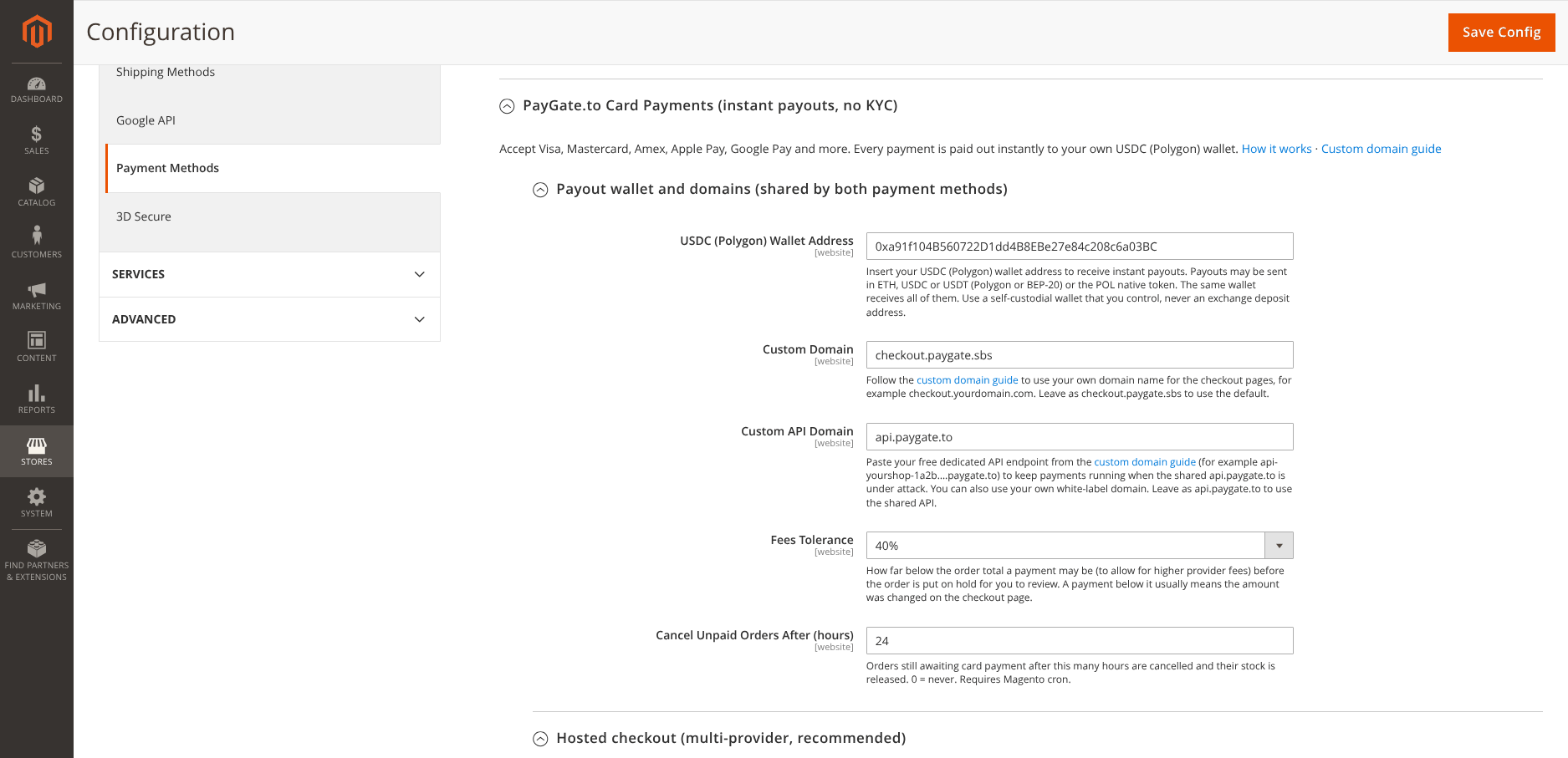
Magento Installation Guide
📘 Read the full step-by-step Magento card guide with screenshots
💡 Click the platform logo to get the module files
Works with Magento 2.4.4 or newer (Magento Open Source, Adobe Commerce and Mage-OS).
- From your Magento root folder install the module with Composer:
composer config repositories.paygate-card vcs https://github.com/paygate-to/Magento-Instant-Payment-Gatewaythencomposer require paygate/module-instant-payment:dev-main - Or download the module and upload its files via FTP to the path /app/code/PayGate/InstantPayment
- Run
bin/magento module:enable PayGate_InstantPayment,bin/magento setup:upgradeandbin/magento cache:flush. In production mode also runbin/magento setup:di:compileandbin/magento setup:static-content:deploybefore flushing the cache. - From your Magento admin menu Stores >> Configuration >> Sales >> Payment Methods open PayGate.to Card Payments and make sure you insert your valid USDC (Polygon) wallet to receive instant payouts.
- Set Enabled to Yes under Hosted checkout (multi-provider, recommended) or Single provider, then click Save Config.
- After following these steps customers will be able to use their credit cards to pay on your website. Unpaid orders are cancelled automatically when Magento cron is running.
- Full settings and order statuses are explained in the module guide. If you are having an issue with our payment gateway module you can contact support.
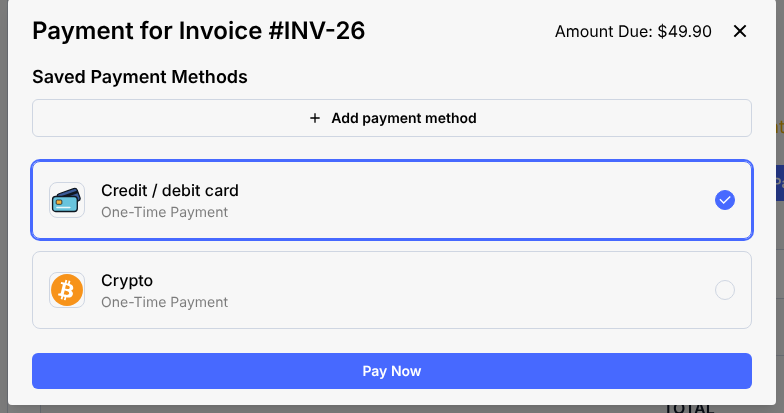
Track Payments and Payouts
💡 Insert the encrypted reference number or tracking address in the box below to view payments and payouts history on the blockchain.

Freelancers
Freelancers and merchants who would like to sell individually without a website can also use our payment system through the 💳 instant payment link generator.
White-label Affiliate
Earn custom percentage commission on every transaction with our white-label instantly ready payment gateway. You can join our open affiliate program without providing any information (ZERO KYC).
Prohibited Business List
✅ Any merchant can use our payment gateway system and API instantly approved. However we don't tolerate illegal activities and under our sole discretion we can limit your access to our gateway in case of abuse.
The following businesses are strictly prohibited from using our gateway and will be denied access without prior notice:
- ❌ Fake shops, phishing and scammers not delivering goods/services after customer payment.
- ❌ Intoxicating substances that affect consciousness, including but not limited to liquor, alcohol and narcotic medications of all kinds. This also includes plants and herbs with a narcotic or recreational effect.
- ❌ Adult or pornographic material including nudity or filming sexual activities.
- ❌ Casino, gambling and betting.
- ❌ Any commercial activity that is commonly categorized as criminal or dark web activities.
- ❌ Receiving complaints from customers, payment providers and law enforcements regarding your activities.
💡 Tip: Following the custom domain guide gives you more self-custody over the payment gateway as the system is semi-decentralized.