
Dogecoin has a large, enthusiastic community and fast one-minute blocks. Accepting it is a simple way to reach customers who hold DOGE. With PayGate.to, Dogecoin payments are forwarded to your own Dogecoin address.
What you need
A Dogecoin address (starting with D) from a wallet you control, for example Trust Wallet: Receive crypto → search "Dogecoin" → copy.
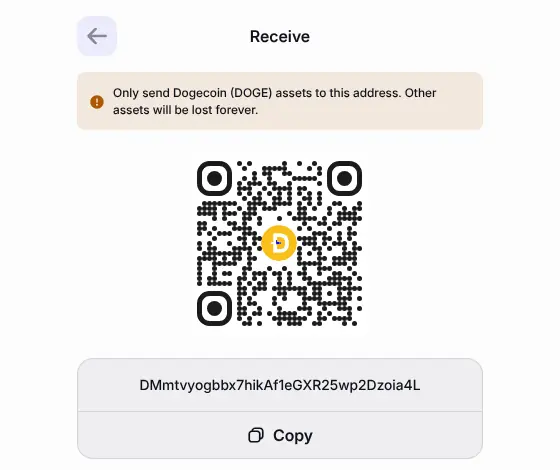
Paste it into the Dogecoin wallet field of your PayGate.to plugin.
What your customer sees
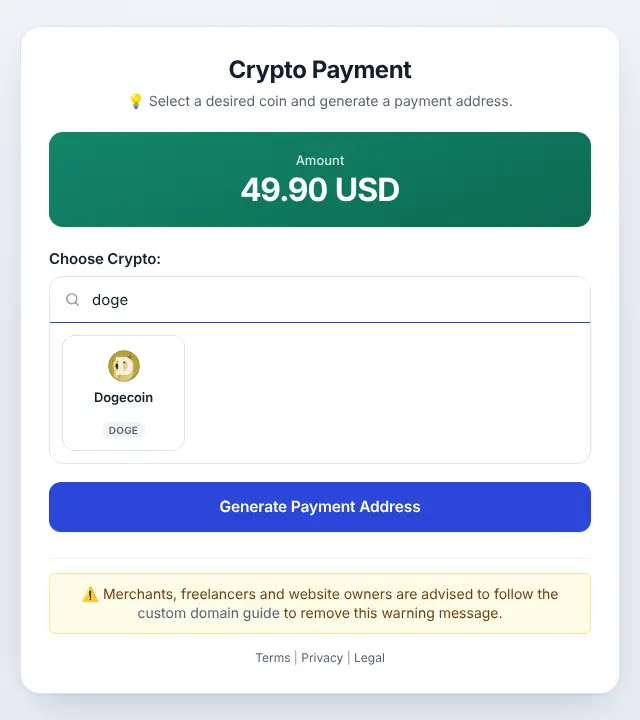
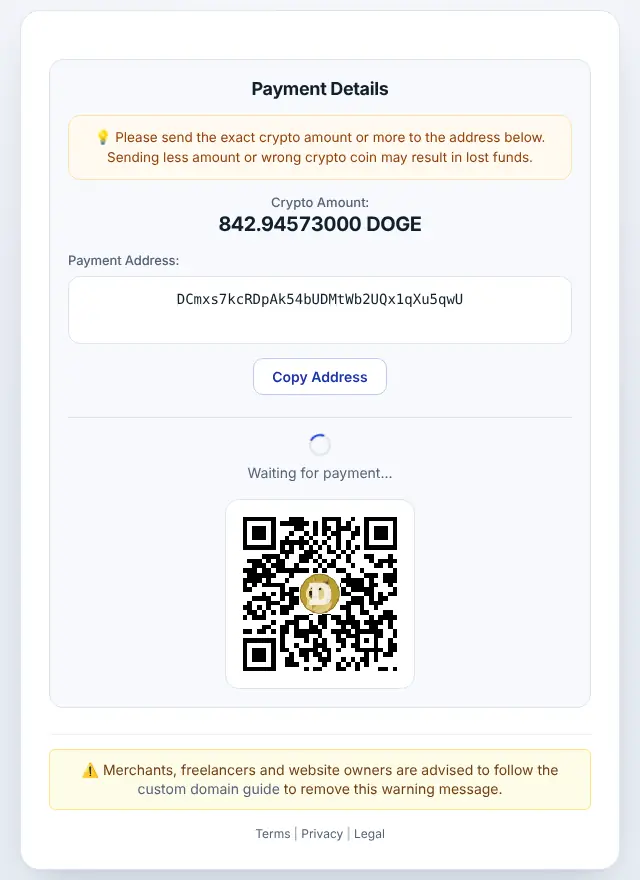
Minimum and timing
- Minimum: 10 DOGE at the time of writing (live minimums).
- Blocks: about one per minute.
API example
bash
curl "https://api.paygate.to/crypto/doge/wallet.php?address=DYOURADDRESS&callback=https%3A%2F%2Fshop.example8585859.com%2Fpaygate%2Fcallback%3Forder%3D1001"Frequently asked questions
Is DOGE on BNB Smart Chain the same?
No. PayGate.to also lists a DOGE token on BNB Smart Chain, which is paid to your 0x EVM wallet. Native Dogecoin uses D… addresses and the doge ticker.
Why is the minimum 10 DOGE?
It covers the cost of forwarding the payment to your wallet. Smaller payments can't be forwarded.