
The free PayGateCrypto adapter lets FOSSBilling clients pay invoices in crypto, either on the hosted multi-coin page or with an address and QR code right on your invoice page. Payments are forwarded to your own wallets. Fees: 1% plus blockchain fees. Illustrated guide: FOSSBilling crypto page.
Requirements
- FOSSBilling 0.7.2 or newer (tested on 0.7.2 and 0.8.8), PHP with the
opensslextension. - Access to your server files.
- FOSSBilling reachable at its public https address (confirmations go to
ipn.php).
Setup
- Download the adapter from the FOSSBilling crypto page, unzip it, and upload the
PayGateCryptofolder intolibrary/Payment/Adapter/. - System › Payment gateways › New payment gateway, then install PayGateCrypto.
- Open the new gateway and choose the Checkout mode:
- Hosted multi-coin page (recommended): clients pick any coin you accept.
- Address and QR code on the invoice page: clients pick from the coins you list and pay on your site.
- Fill in your network wallets.
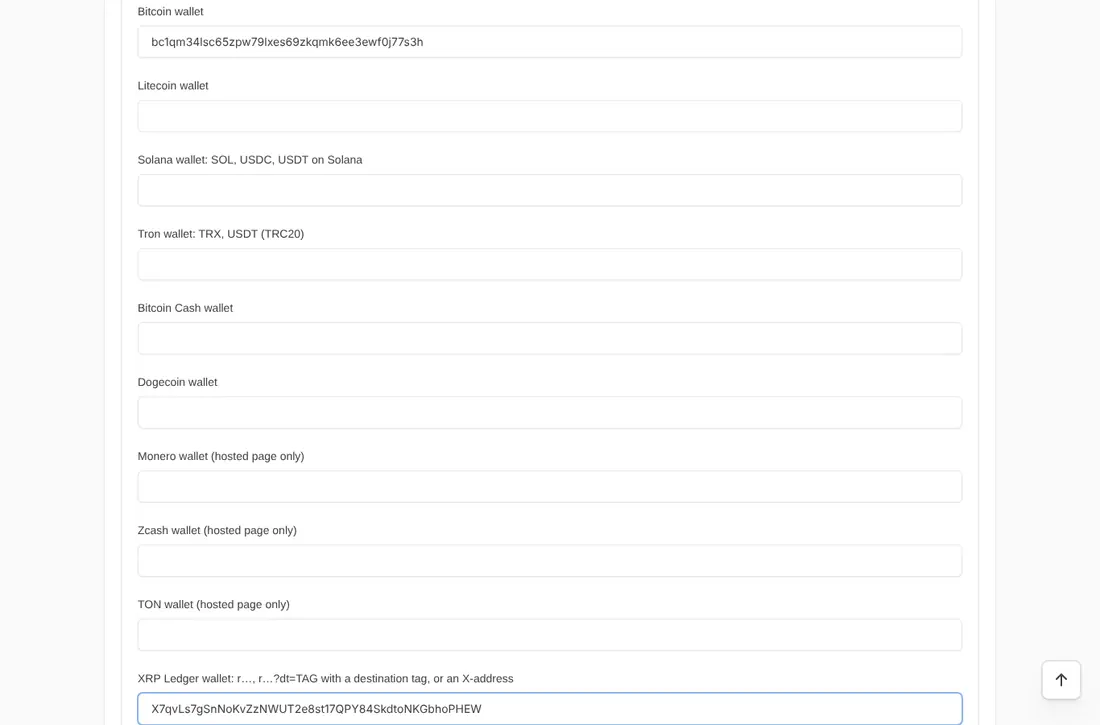
- Optional: Coins on the invoice page (coin ids such as
btc, erc20_usdt, trc20_usdt, sol_sol, xrp), who pays the network fee, underpayment tolerance (default 2%), confirmations for the invoice page (default 1), a dedicated API endpoint and white-label settings. - Switch on Enabled and Allow One Time Payments, then Update Gateway.
Security built in
Confirmations are signed by PayGate.to and checked against the bundled key; callback URLs are signed with your installation's secret; repeated confirmations are ignored; and the coin, amount and payout wallets are checked before an invoice is paid.
Coin guides for FOSSBilling
Monero · XRP · Bitcoin · USDT · USDC
Frequently asked questions
Which checkout mode should I choose?
The hosted page supports every network including Monero, Zcash and TON, with one wallet per network. The invoice-page mode keeps clients on your site for the coins it supports.
What happens if a client underpays?
Within your tolerance the invoice is paid; beyond it the payment is recorded and the invoice stays open for you to settle.